Edit PDFs online for free.
Files stay on your device.
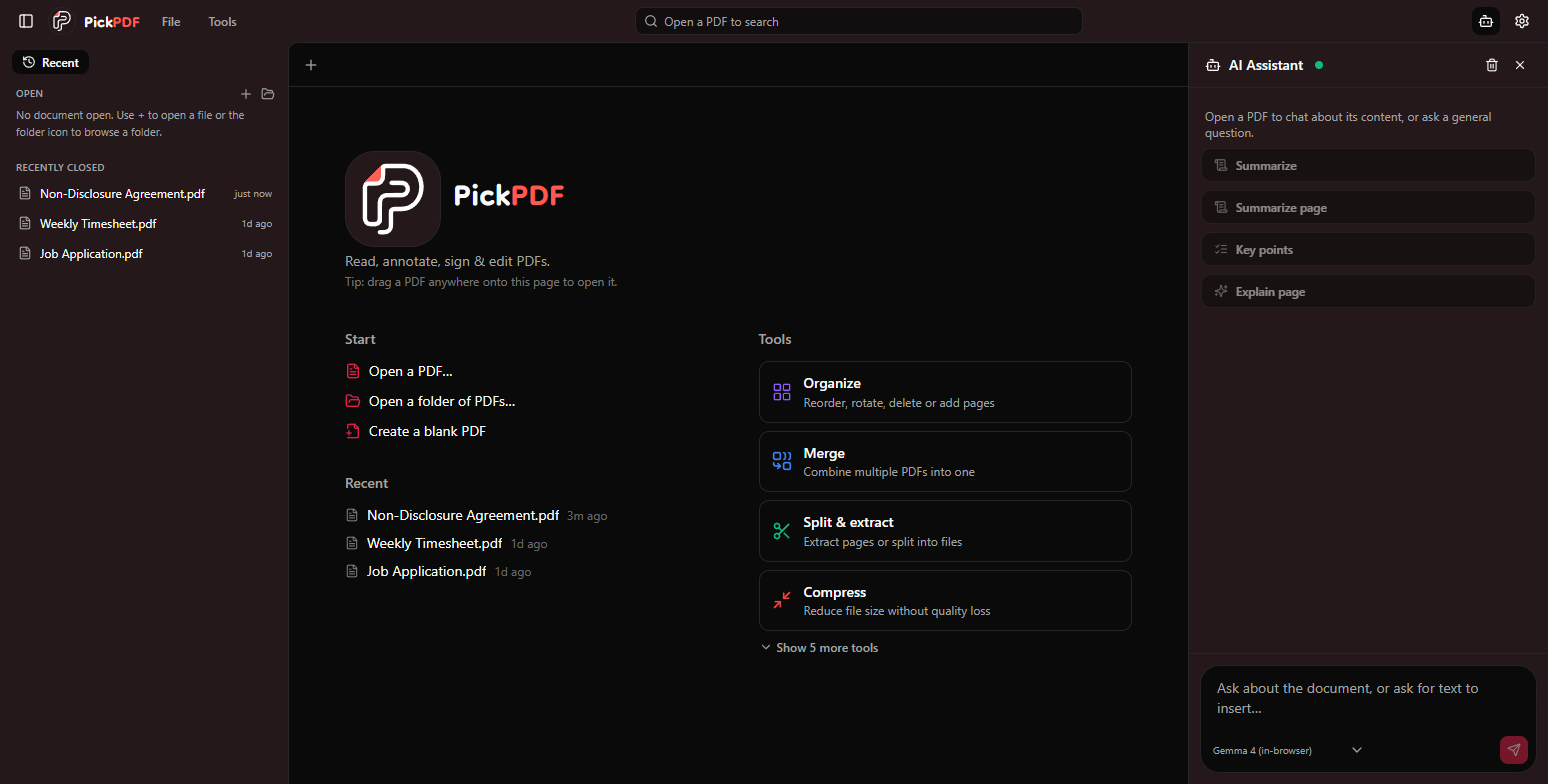
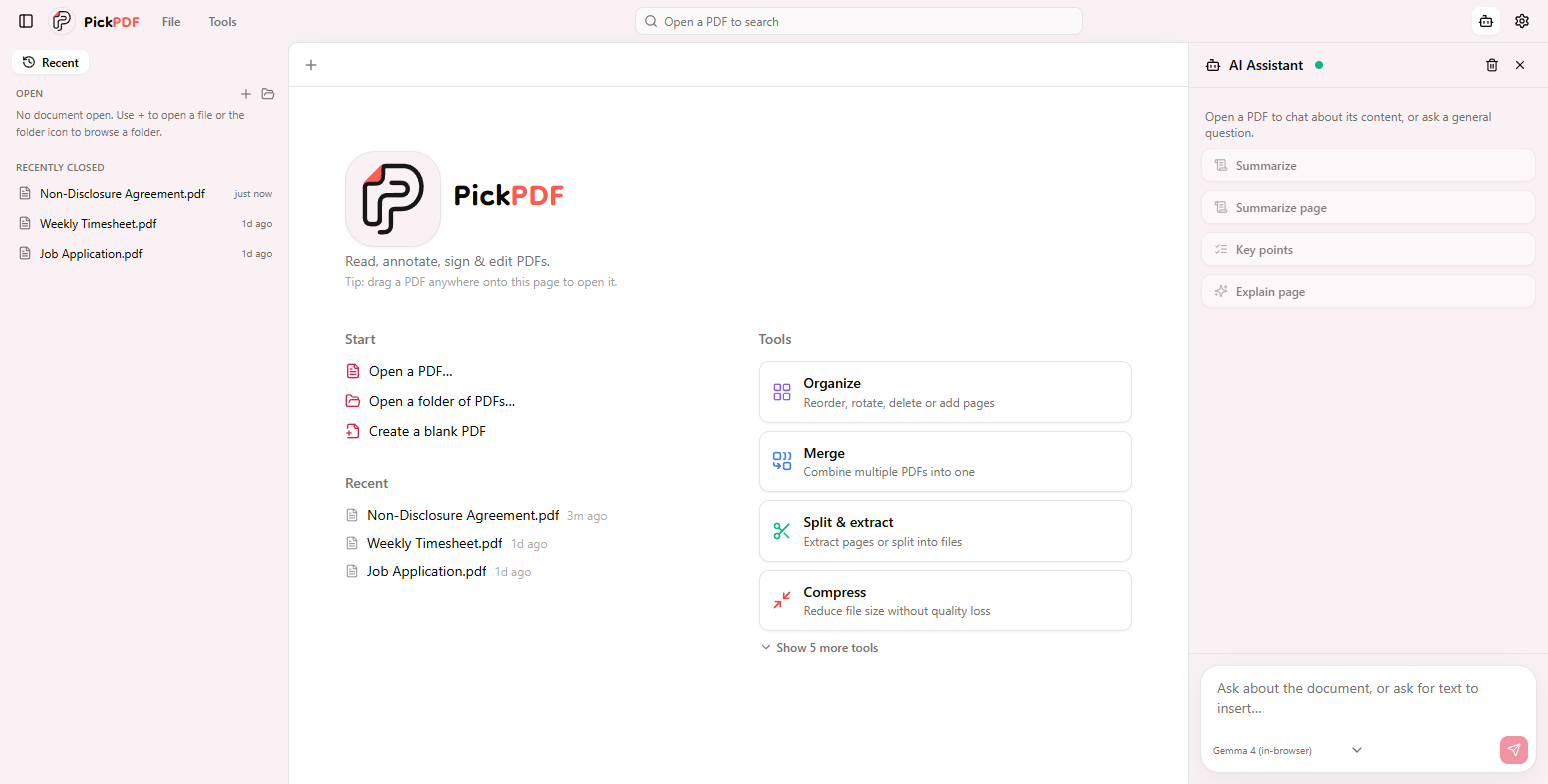
Edit existing PDF text, redact content, sign, fill forms, and run OCR in your browser. PickPDF processes the document on your machine. No file upload, account, or subscription.
 Open in browser
 Add to Chrome
 Get for Edge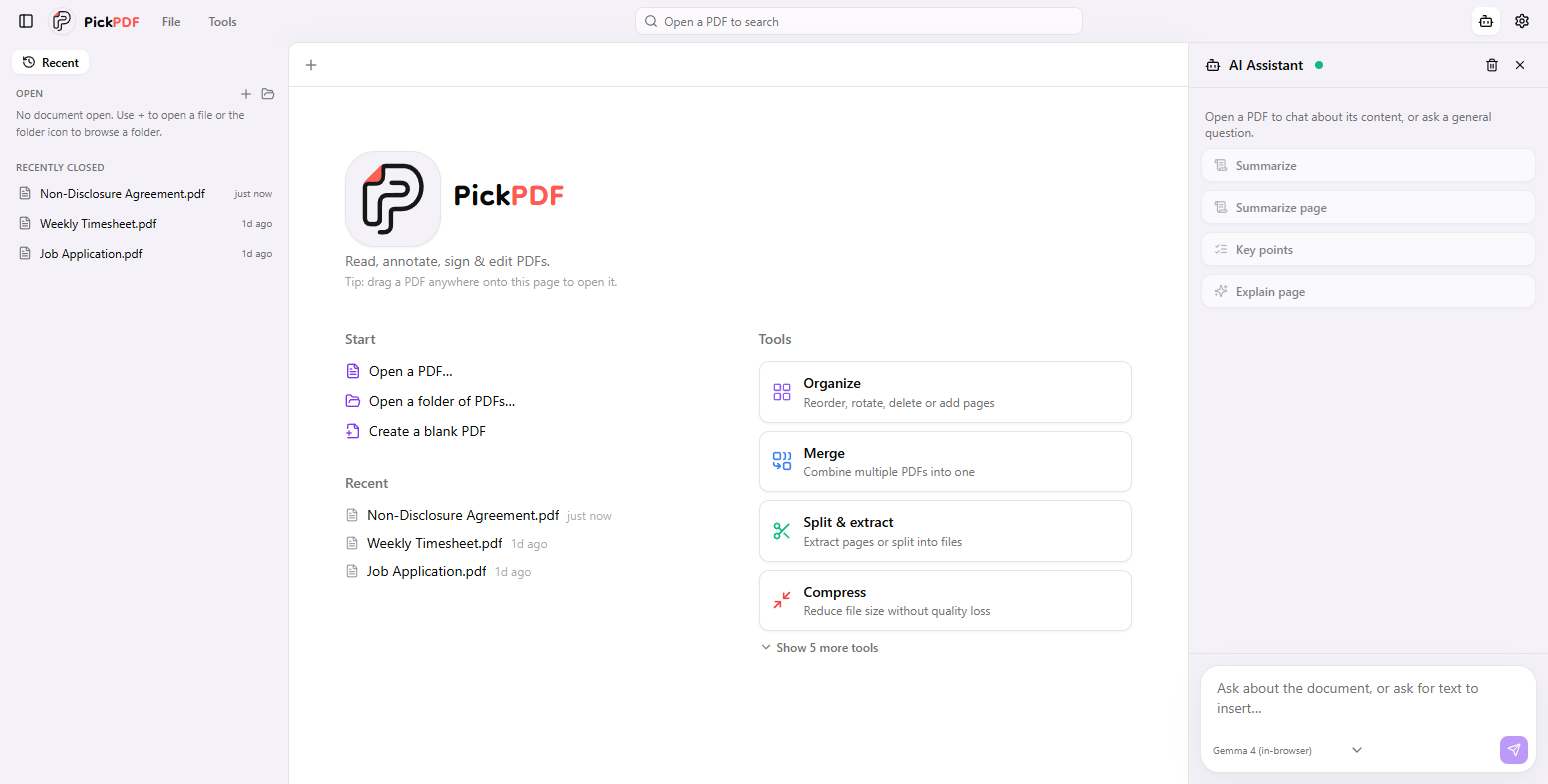
A full workbench, not just a viewer.
The tools that usually cost a subscription, running entirely on your device.
True in-place text editing.
Click a line and edit it directly. PickPDF rewrites the original text object in its own font, size and color - no whiteout patch, nothing left behind.
- Original font, size and color preserved
- Edits the real text object, not a patch
- Fill existing AcroForm fields, or design your own

Redaction that actually removes.
Black out sensitive text, add whiteout, and flatten on save so removed content can't be copied back out. Built for confidential work.
- Content removed, not covered
- Blackout and whiteout modes
- Flattened on save - nothing to copy back out
Merge, split and reorganize.
Combine PDFs and images, split or extract page ranges, and drag pages to reorder, rotate, duplicate or delete.
- Drag to reorder, rotate, duplicate, delete
- Split or extract page ranges
- Watermarks and page numbers
Why PickPDF
Most editors upload your document to a server to work on it. PickPDF keeps the whole workflow on your device.
Your document takes a trip to someone's server.
Every open, edit and export passes through infrastructure you don't control.
There's no server to upload to.
Every operation runs locally, in your browser or the desktop app.
One editor. Every tool.
Sign, fill, recognize and read - without leaving the page.
Edit text
Click any line and rewrite it in place - the real text object, in its own font, size and color, nothing left behind.
Redact
Black out or whiteout content and flatten on save, so removed text can't be copied back out. Built for confidential work.
Sign & annotate
Draw, type or upload a signature and reuse it. Highlights, ink, shapes and stamps are baked cleanly into the file.
Fill & design forms
Fill AcroForm fields, or design your own - text fields, checkboxes, radios and dropdowns become real fields on save.
OCR for scans
Recognition runs locally and adds an invisible text layer, so search, copy and editing just work on scanned PDFs.
Split view
Open up to four panes side by side, keep references visible, and edit one PDF while checking another.
Fast search
Find words across the whole document quickly, jump between matches, and stay oriented with outlines and thumbnails.
On-device AI assistant
Summarize, explain, rewrite or translate with a zero-setup Gemma model in your browser - or point it at Ollama, LM Studio or any local endpoint.
Your documents never leave your device.
Because content stays on the device, PickPDF fits workflows where cloud PDF tools are off-limits - legal privilege, financial data, patient records.
Files are read, edited and saved on your machine. No cloud storage, no telemetry on your content, nothing to leak or subpoena.
No sign-up, no email, no profile - handling your documents shouldn't require handing over your identity.
Once loaded, everything works with the network cable pulled - the strongest privacy guarantee there is.
A separate license, built for the workplace.
Pro is a personal license for one individual. The Team license is different - per-seat and centrally managed, written for how organizations actually buy, deploy and audit software. Same app, different terms.
Talk to sales ->- Perpetual license for one named person
- Install on your own devices
- Personal & non-transferable
- Card checkout, instant delivery
- Seats assigned & reassigned from one console
- Silent MSI / MSIX rollout & on-prem rights
- Invoice / PO billing, annual renewal
- Priority support + signed data-handling (DPA)
Start with a PDF.
Keep it to yourself.
Install PickPDF on Windows, macOS, or Linux, add it to Chrome or Edge on any desktop, or open it right in your browser.