Protect a PDF with passwords and permissions
Apply standard PDF encryption or a PickPDF-specific locked wrapper on the device before sharing or storage.
 Open PickPDF
  Add to Chrome
Quick answer
Protect a PDF with passwords and permissions
To password protect a PDF in PickPDF, choose standard protection, set an open password, and configure an owner password and permissions when needed. PickPDF uses AES-256 PDF encryption for the standard mode. A separate Lock to PickPDF option encrypts the document inside a wrapper that requires PickPDF to open it.
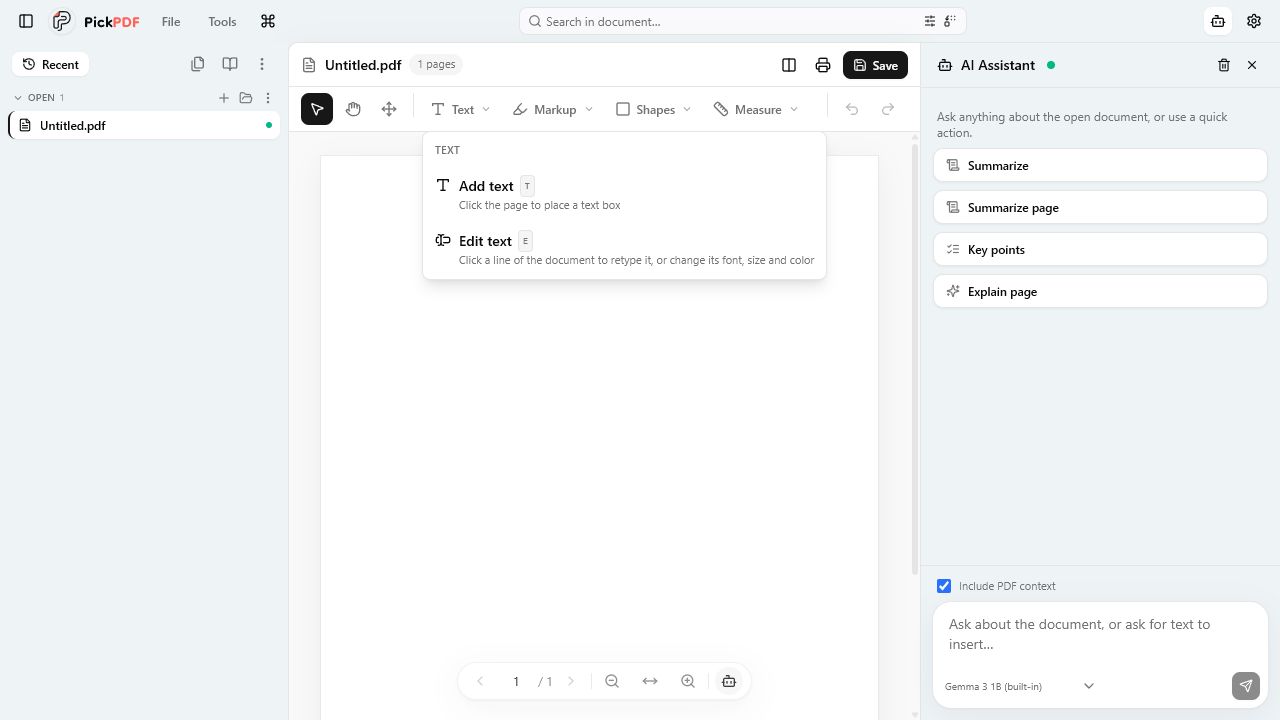
Step by step
How to use this tool in PickPDF
Choose the protection model
Use standard PDF encryption for broad viewer support. Use the PickPDF wrapper only when recipients can open the file in PickPDF.
Create distinct strong passwords
Set the open password and owner password according to the document policy. Store recovery information outside the PDF.
Configure permissions
Choose printing, copying, editing, and other permissions for standard protection. Treat permissions as viewer-enforced controls.
Test the protected copy
Open the output in the recipient’s viewer, check the password prompt and permissions, and confirm that the organization can recover access.
Current capabilities
What the current PickPDF build supports
- AES-256 standard PDF encryption
- Open password
- Owner and permissions password
- Printing and editing permissions
- PickPDF-locked wrapper option
- On-device encryption
Open passwords and permissions passwords have separate roles
An open password prevents a compatible viewer from displaying the document without the secret. An owner password controls permissions such as printing, copying, or editing. Use different values when the policy separates reader access from administrative control.
PDF permissions depend on viewer enforcement. They communicate and restrict intended use in compatible software, but they do not replace access control, endpoint security, or a managed document system.
Lock to PickPDF trades compatibility for a controlled wrapper
The PickPDF-specific mode encrypts the real document inside a wrapper PDF. Recipients need PickPDF and the required access information to recover the document. Other viewers can open the wrapper but cannot use it as the original PDF.
Use standard PDF encryption when broad compatibility matters. Use the wrapper only after confirming the recipient workflow, long-term access requirements, and recovery plan.
Password handling determines practical security
A strong encryption algorithm cannot recover a lost password or protect a secret sent beside the file in the same message. Share the password through a separate approved channel and store recovery material according to the organization’s policy.
PickPDF encrypts the document on the device. Test a copy before deleting any unprotected source, and retain the source when records rules require it. Encryption does not remove metadata or sensitive content from the PDF.
Common questions
Questions about protect a pdf with passwords and permissions
Which encryption does PickPDF use for standard PDF protection?
PickPDF uses AES-256 PDF encryption for its standard password-protection workflow.
Do PDF permissions prevent every copy or screenshot?
No. Compatible viewers enforce PDF permissions, but endpoint controls and policy remain necessary.
Can another PDF viewer open a PickPDF-locked wrapper?
It can display the wrapper, but PickPDF is required to decrypt and open the embedded document.